Perfect layouts.
Zero manual work.
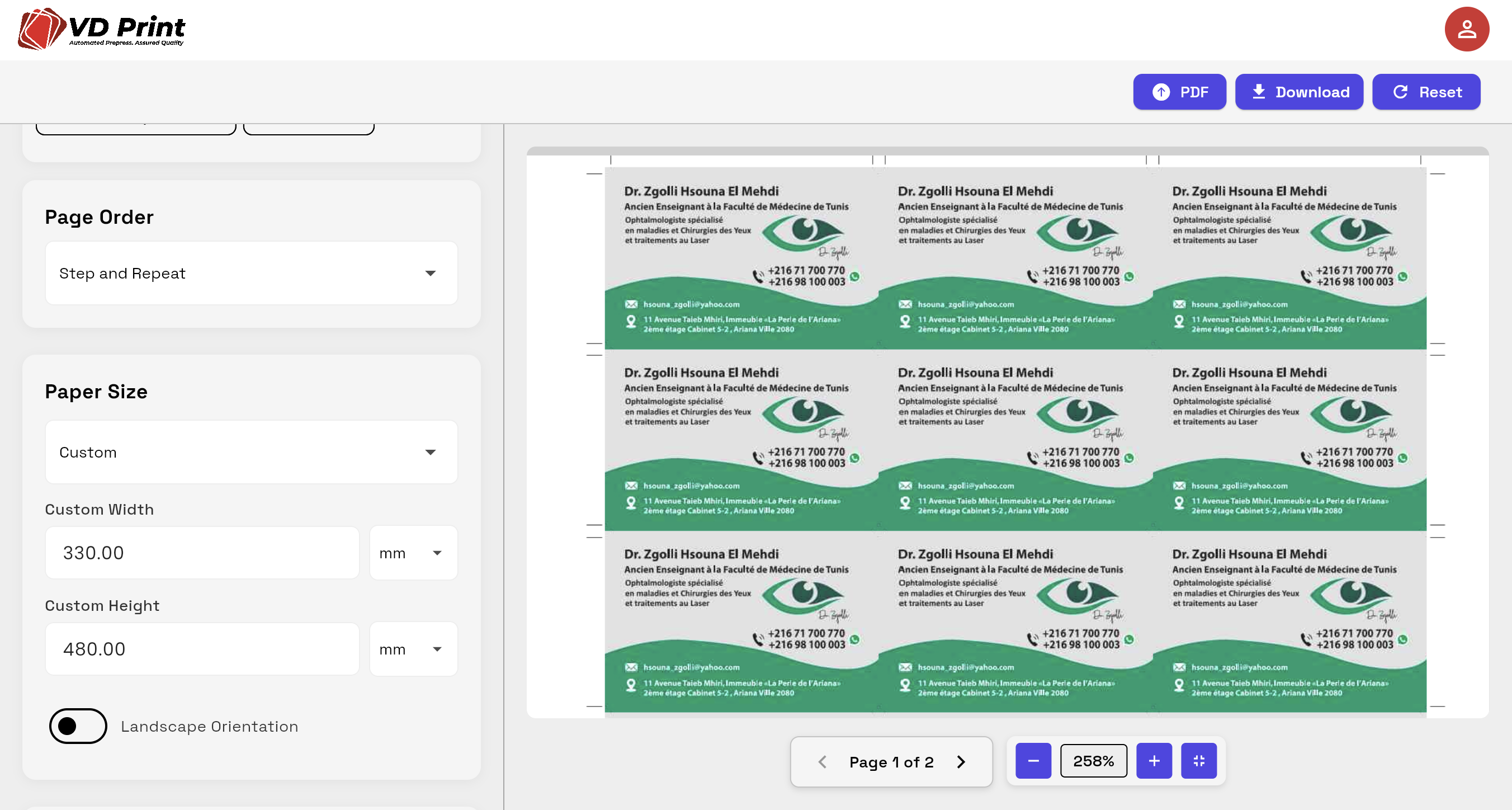
Upload a PDF, set your sheet size, and let the engine calculate the optimal N-up layout — booklets, step-and-repeat, ganging, all automated.
How Imposition Works
From raw PDF to press-ready sheet in three steps
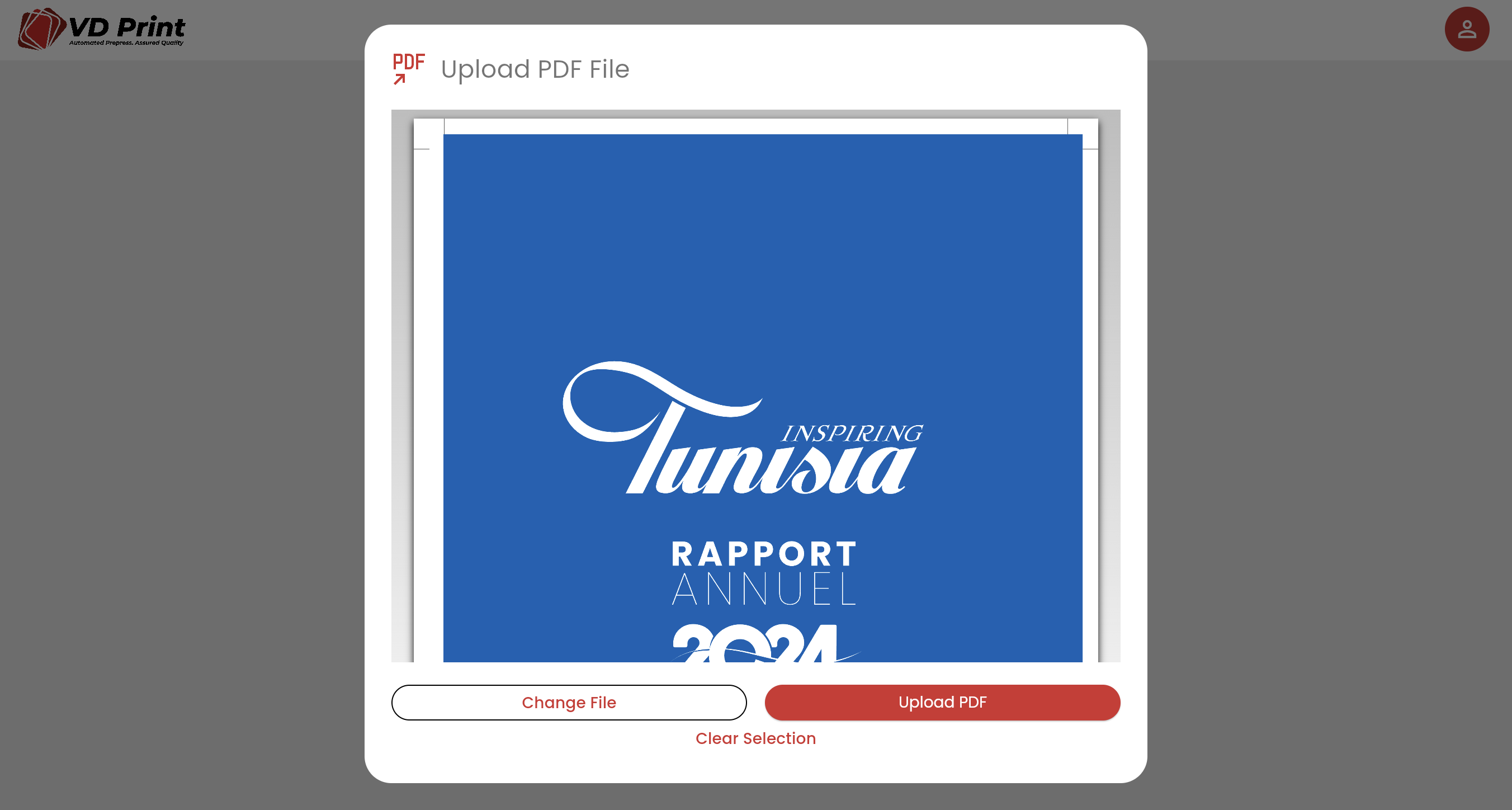
Upload your PDF
Drop in any single-page or multi-page PDF. The engine reads bleed, trim, and media box automatically.
Set your parameters
Choose sheet size, layout type (N-up, booklet, step-and-repeat), gutters, marks, and binding. The engine calculates optimal placement.
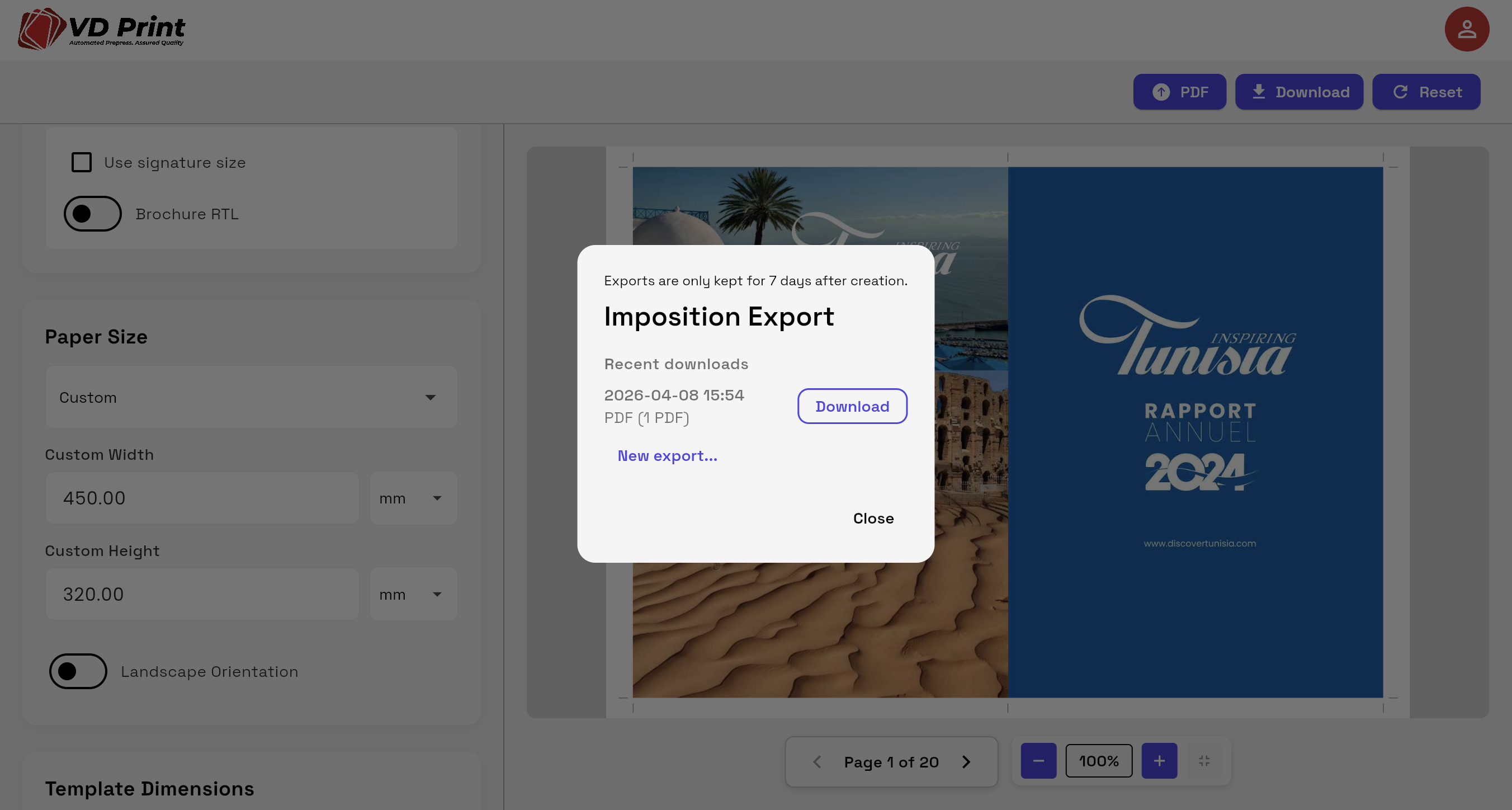
Export press-ready PDF/VT
One click exports a fully imposed PDF/VT with crop marks, registration marks, and bleed — optimized for your RIP.
What the engine handles
Every layout type your press room needs
N-up & Step-and-Repeat
Business cards, labels, tickets — place multiple copies per sheet with consistent spacing, gutters, and bleed.
Booklet & Saddle-Stitch
Automatic page reordering for saddle-stitched and perfect-bound booklets. No manual page math.
Gang-up & Mixed Jobs
Multiple different jobs on one sheet, automatically packed for maximum paper yield.
Explore the full platform
Imposition works natively with every other module
Stop doing imposition by hand.
Start your free trial — no credit card required.